
How to Pay Your Dues through the Website
July 11, 2026
 How to Pay Your Dues
Hello everyone!
To make payment validation faster and more organized, all proof of payment must be uploaded through your account on our website.
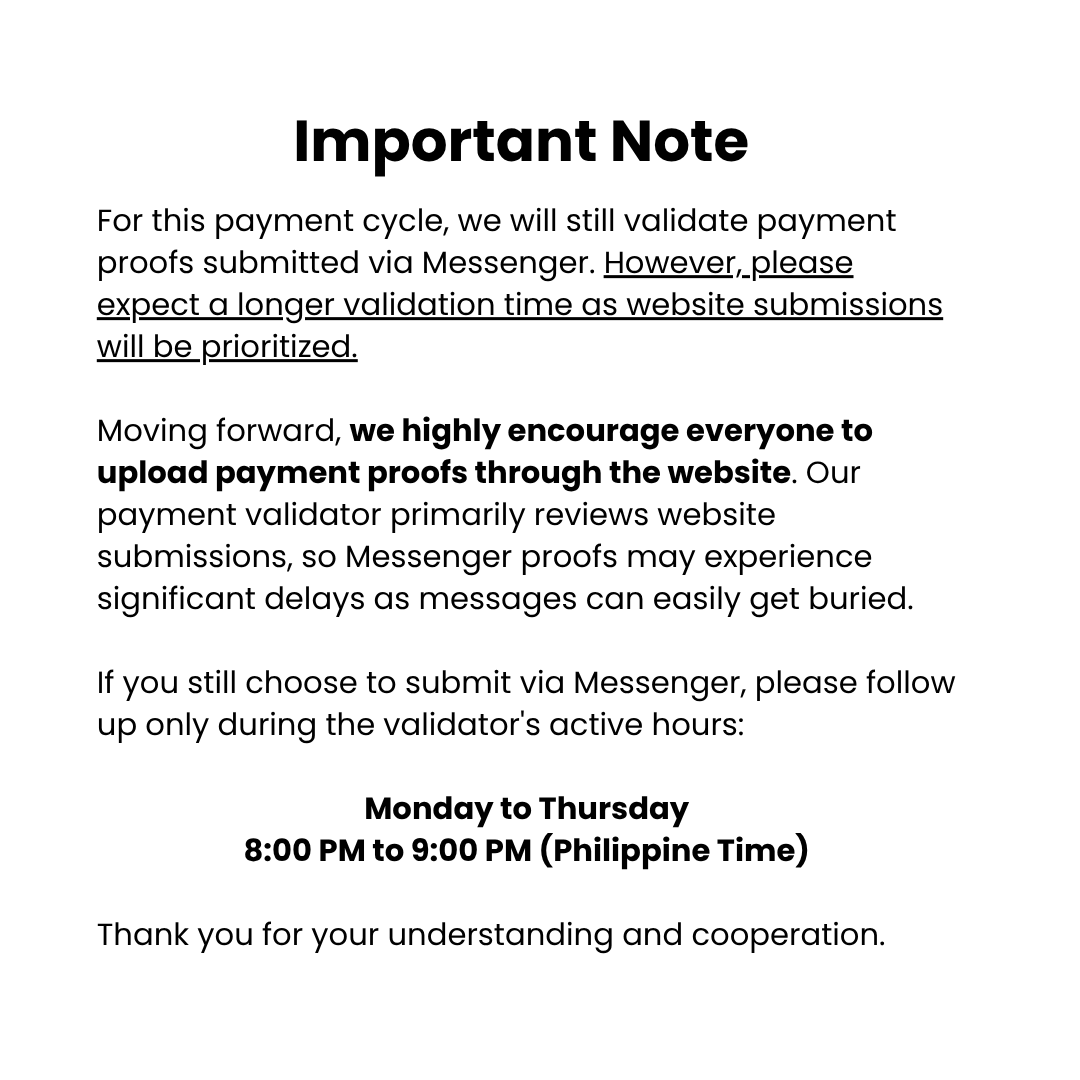
Proofs sent via Messenger are low priority and may easily get buried under other messages. On the website, your payment proofs are stored in our system, allowing our payment admin to review them more efficiently when validating payments.
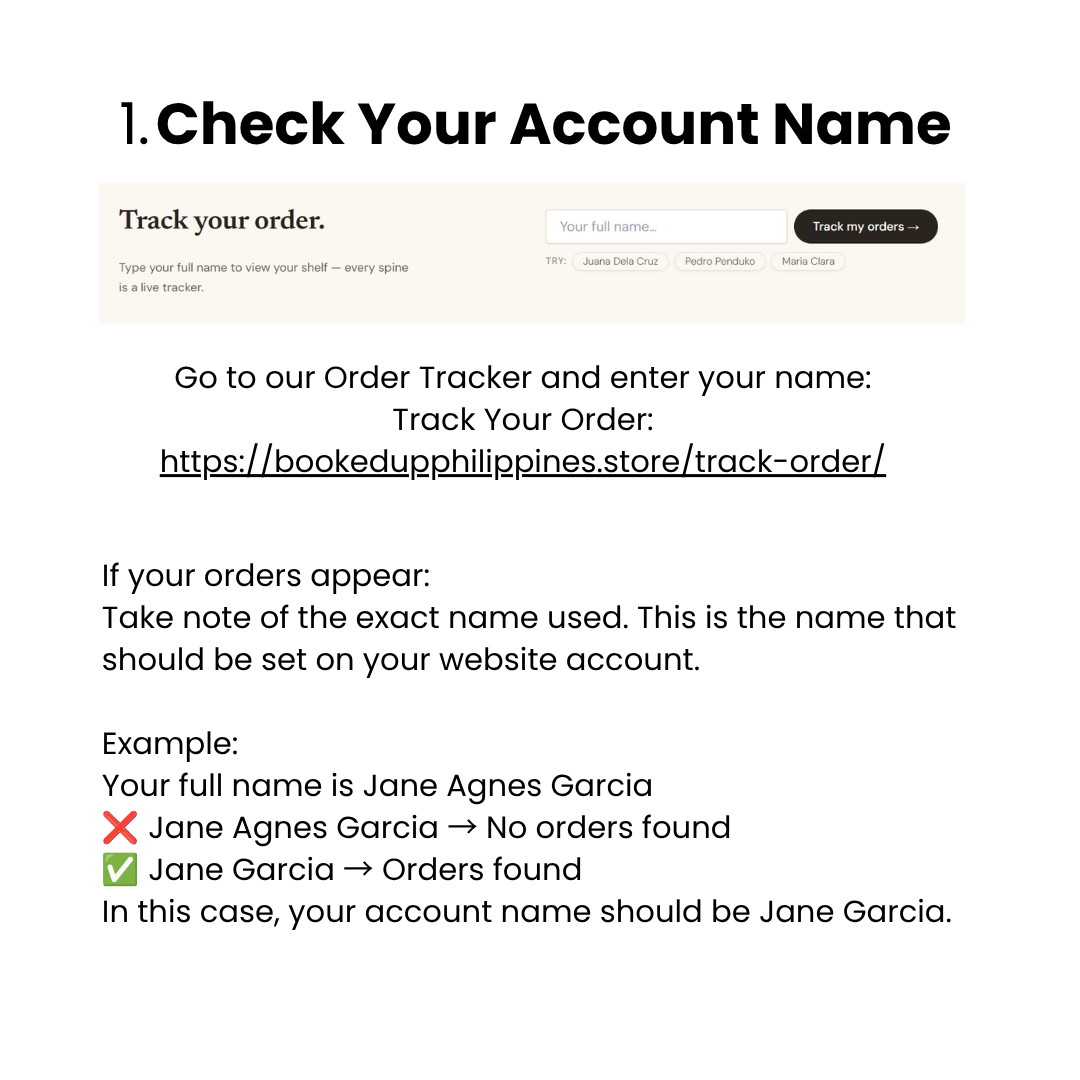
Step 1: Check Your Order NameGo to our Order Tracker and search for your name.
Track Your Order:
If your orders appear:
Take note of the exact name used. This is the name that should be set on your website account.
Example:
Your full name is Jane Agnes Garcia
 Jane Agnes Garcia → No orders found
 Jane Garcia → Orders found
In this case, your account name should be Jane Garcia.
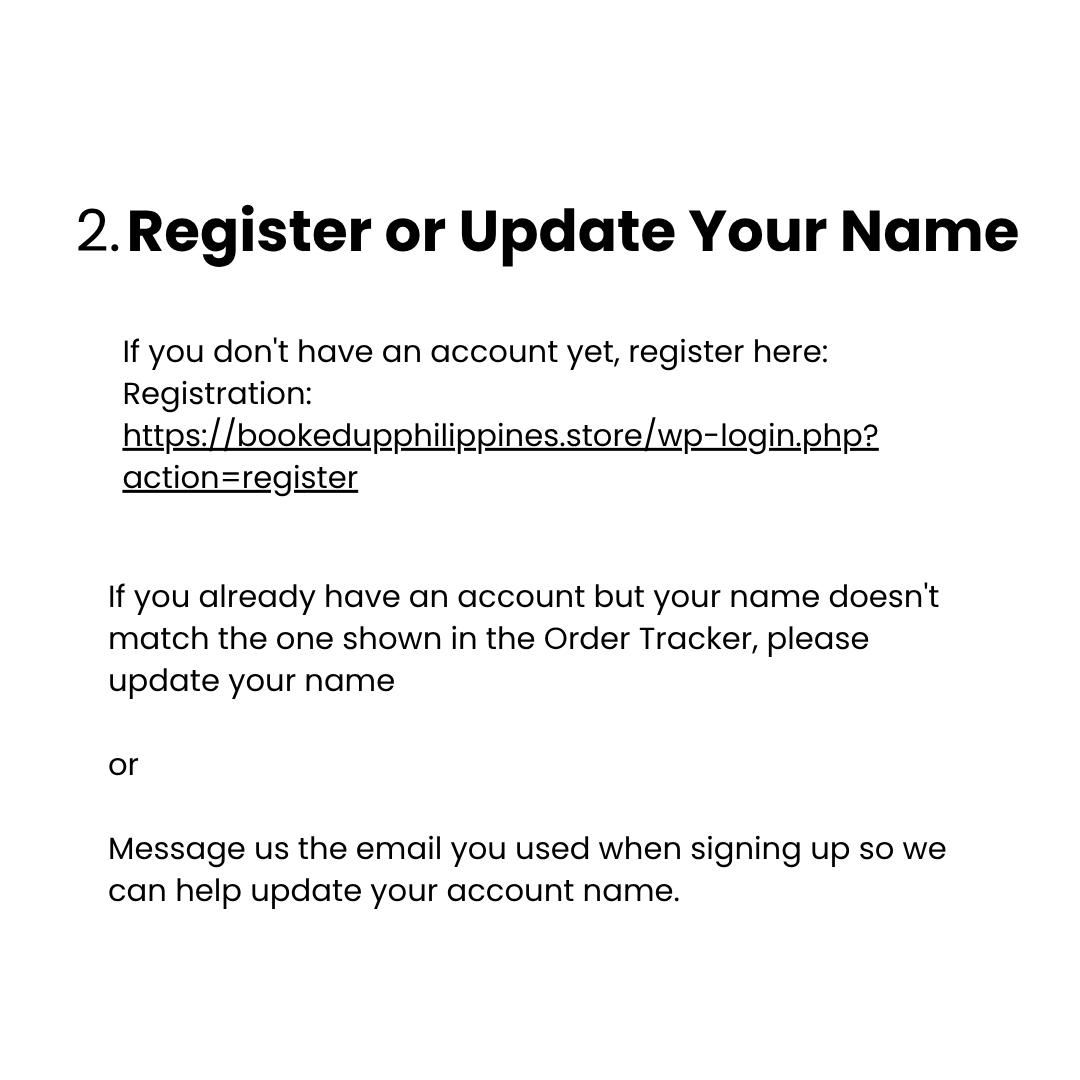
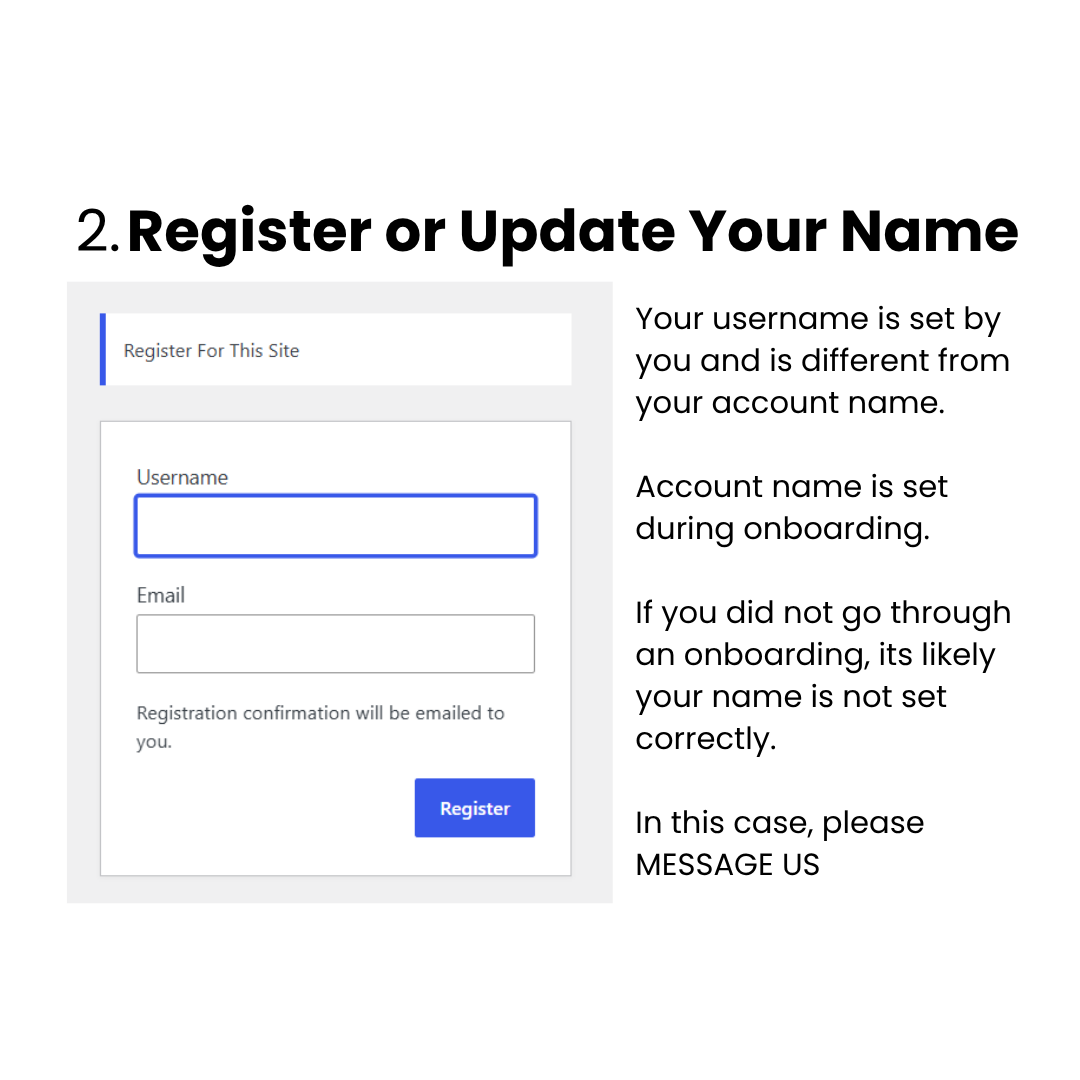
Step 2: Register or Update Your NameIf you don\'t have an account yet, register here:
Registration:
If you already have an account but your name doesn\'t match the one shown in the Order Tracker, please message us so we can help update your account name.
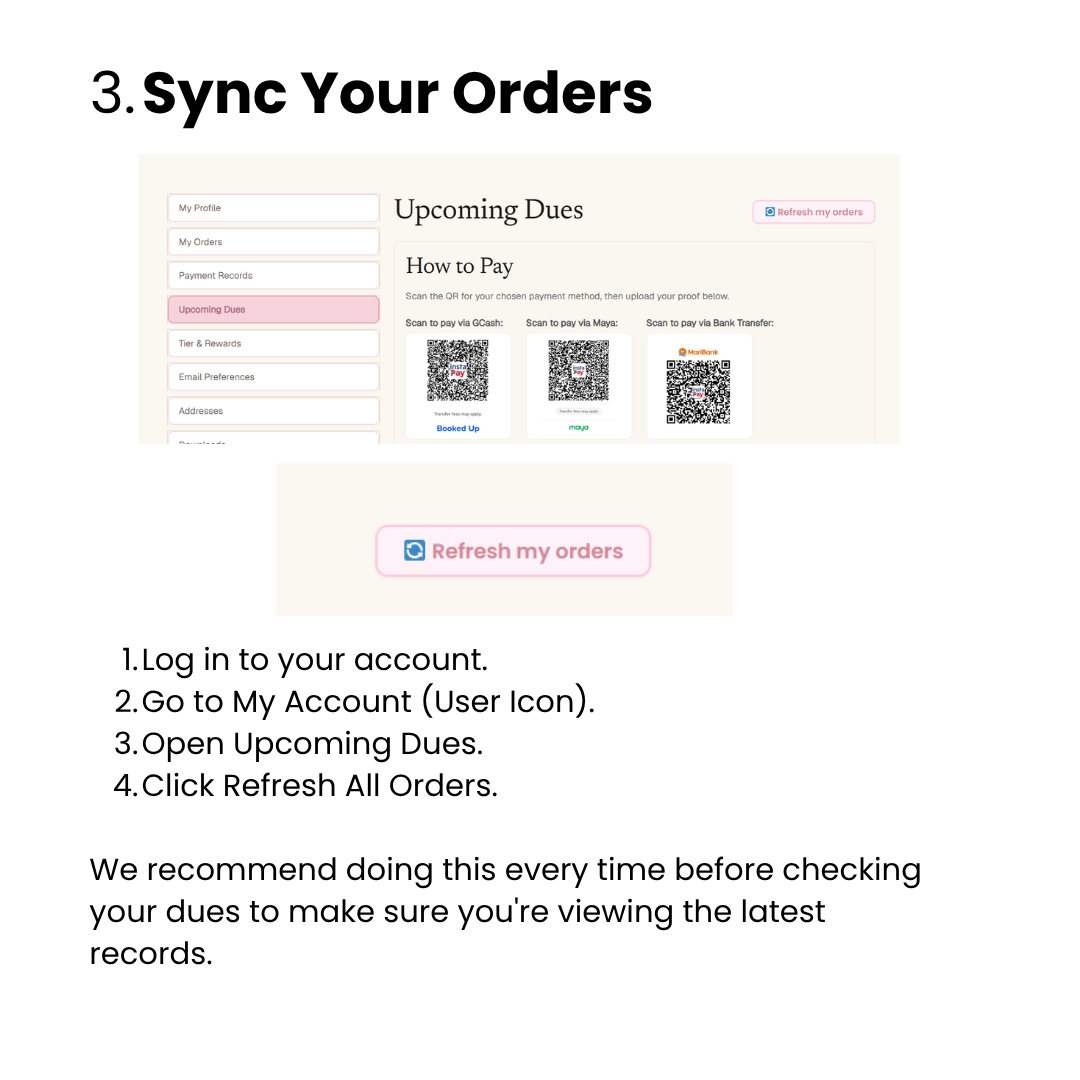
Step 3: Sync Your OrdersOnce your account name is correct:
1. Log in to your account.
2. Go to My Account (User Icon).
3. Open Upcoming Dues.
4. Click Refresh All Orders.
We recommend doing this every time before checking your dues to make sure you\'re viewing the latest records.
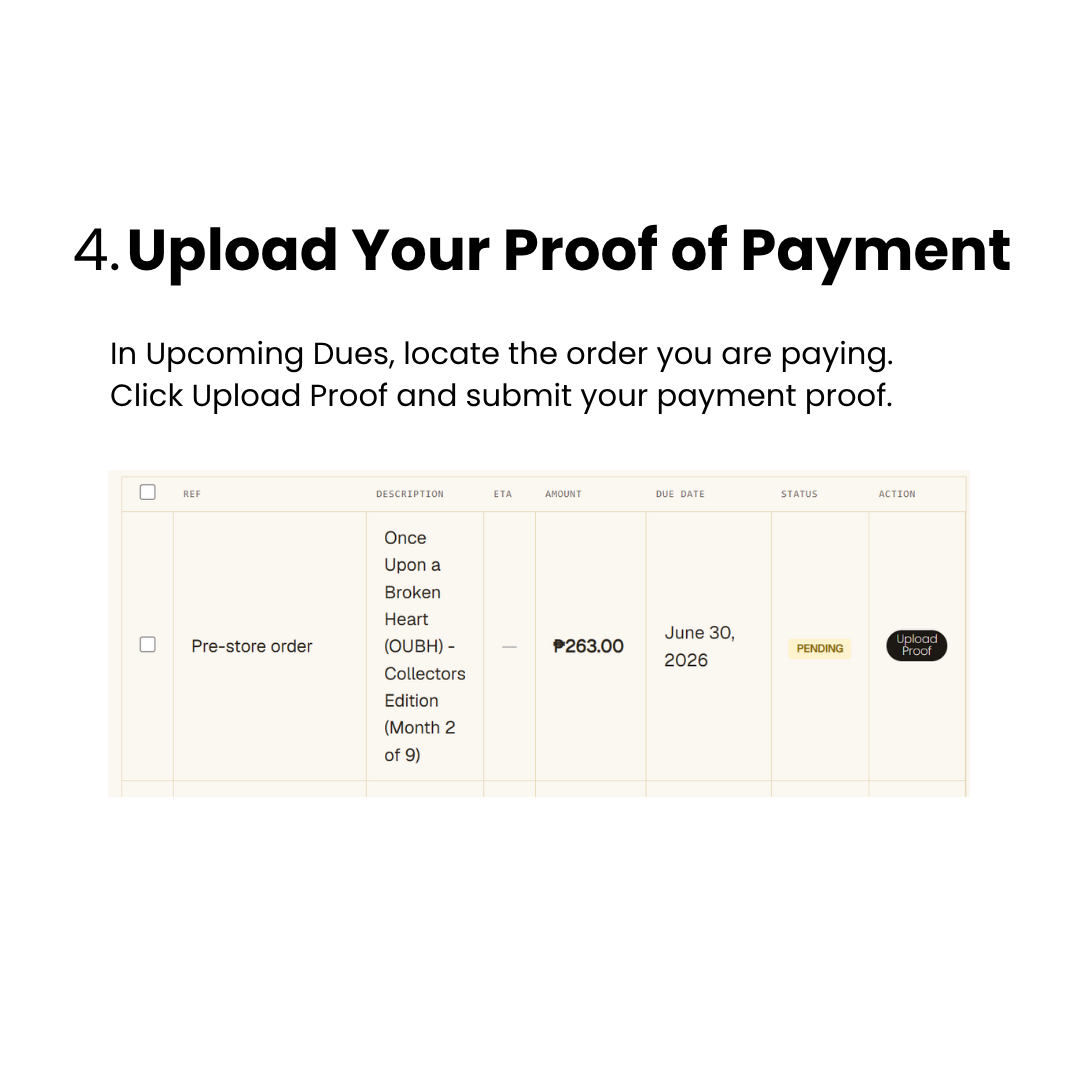
Step 4: Upload Your Proof of PaymentIn Upcoming Dues, locate the order you are paying.
Click Upload Proof and submit your payment proof.
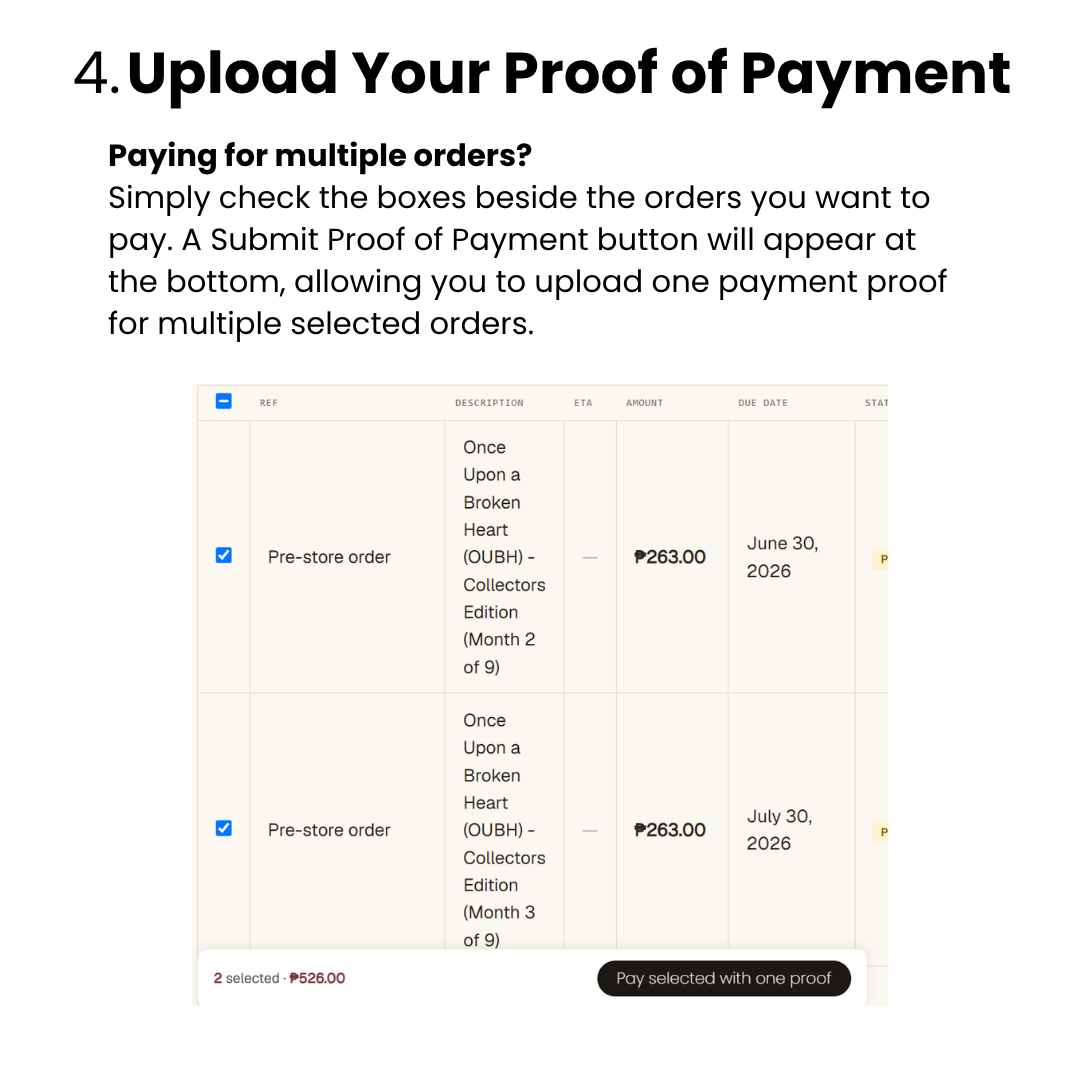
Paying for Multiple Orders?Simply check the boxes beside the orders you want to pay. A Submit Proof of Payment button will appear at the bottom, allowing you to upload one payment proof for multiple selected orders.
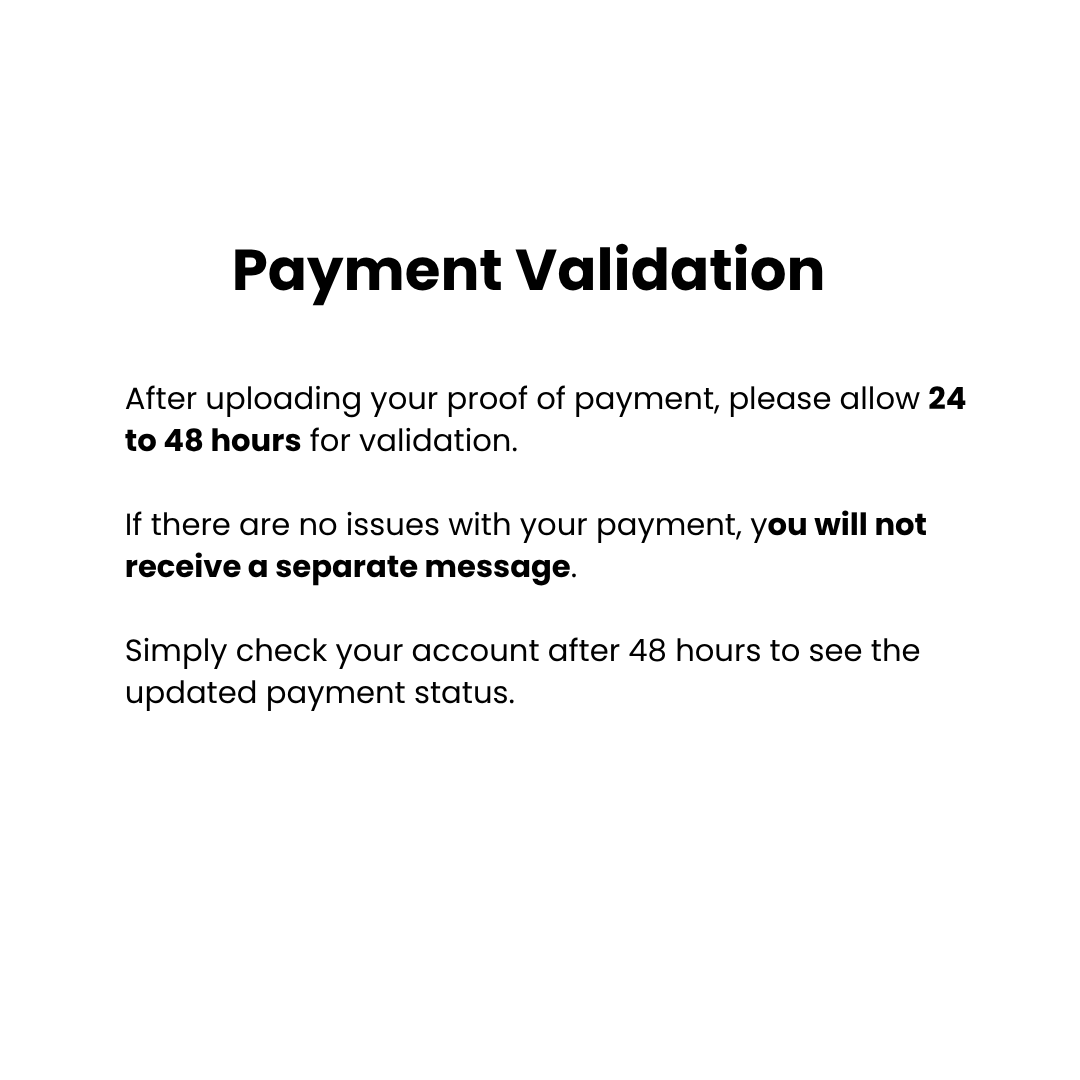
Payment ValidationAfter uploading your proof of payment, please allow 24 to 48 hours for validation.
If there are no issues with your payment, you will not receive a separate message. Simply check your account after 48 hours to see the updated payment status.
Thank you so much for your cooperation and understanding! We know this is a new process, and we\'re happy to guide and assist you as everyone adjusts to the new payment system. If you have any questions or need help, please don\'t hesitate to reach out

Comments
No comments yet. Be the first!
Log in to leave a comment.